Understanding Your Software Licenses: Rhino & AddPath
To our valued AddPath users,
As you integrate AddPath into your workflow, it's essential to understand the licensing agreements of both AddPath and Rhino software. Here's a brief outline of what each license entails and how they interact:
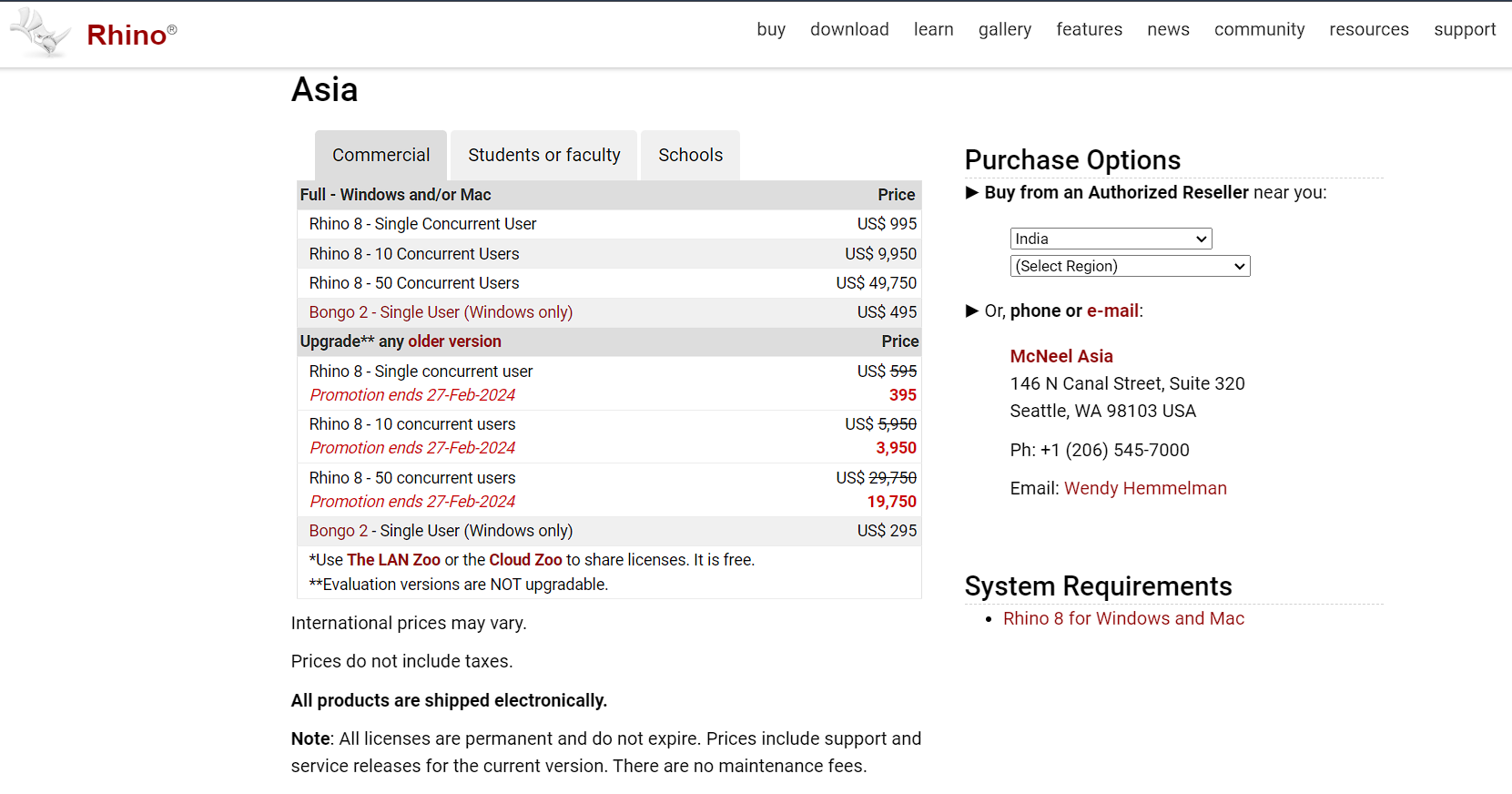
Rhino Software License Interface - Essential component for AddPath functionality
Rhino Software License
-
Type: Rhino offers a single-user license, which is designed to be used by one individual at a time.
-
Functionality: Rhino provides a robust platform for 3D modeling, including the ability to create, edit, and analyze NURBS curves, surfaces, and solids. It is the foundational software on which AddPath operates.
-
Restriction: The license is specific to one user and cannot be shared across multiple users or systems simultaneously.
AddPath by Addcomposites - Advanced Composite Manufacturing Software
AddPath Plug-in License
-
Type: AddPath's license is flexible, allowing you to transfer it to any system you desire. However, like Rhino, it is restricted to one active session at a time per license.
-
Functionality: AddPath extends the capabilities of Rhino, offering specialized features for composites engineering and simulation, such as ply and tape editing, multitow planning, and robot simulation.
-
Flexibility: Although the AddPath license can be moved between systems, only one instance can be active at any given moment, ensuring exclusive access per license.
Licensing Interaction
-
Complementary Usage: To utilize AddPath, you must have a licensed copy of Rhino on the same system. The flexibility of AddPath's license allows you to pair it with Rhino on any workstation that has a Rhino license.
-
Sequential Use: Given the online nature of AddPath's license, it can be transferred from one system to another as needed, facilitating a dynamic workflow while respecting the single active session rule.
Guidelines for Effective Use
-
License Management: Keep track of your active Rhino license to ensure it aligns with your AddPath usage. This coordination is key to uninterrupted workflow.
-
Project Planning: Leverage the portability of the AddPath license to schedule work on different systems, maximizing the utility of a single license across multiple projects or shifts.
-
Support and Updates: Stay up-to-date with the latest versions and take advantage of support offered by both Rhino and AddPath to maintain peak performance and capabilities.